Solo, compare, and undo
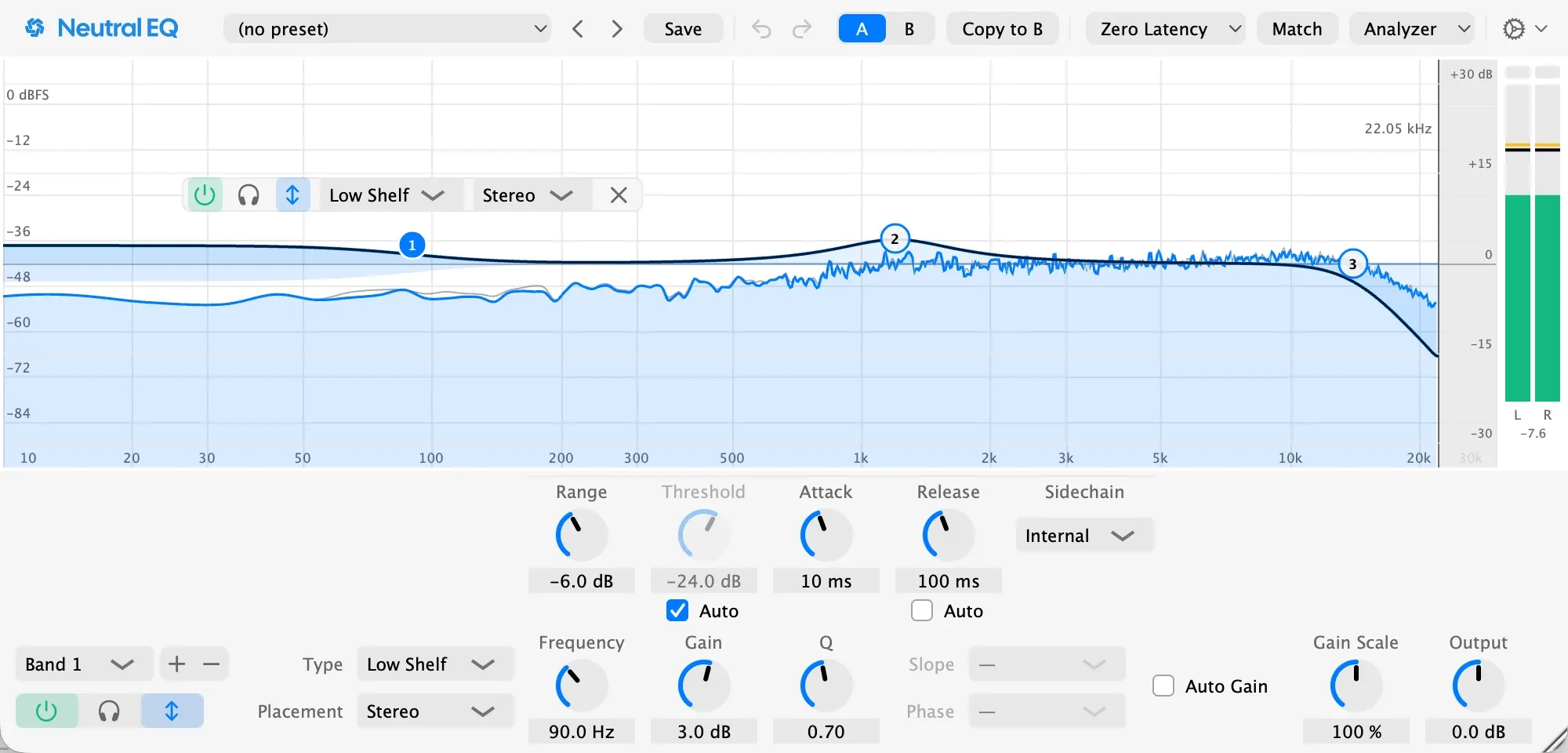
- Solo: hold the Solo button or the headphones in the band panel to hear only the band’s region. Option-click to latch it. Solo is never saved or automated.
- A and B hold two complete settings. Switch between them without a click, and Copy to B (or Copy to A) copies the current one across.
- Undo and Redo step through your edits one gesture at a time, in any DAW. Changes your DAW makes through automation aren’t part of that history.
Gain Scale and Auto Gain
- Gain Scale scales every band’s gain and dynamic range at once, from 0 to 200 percent, and can be automated. At 50 percent your whole curve is half as strong.
- Auto Gain keeps the overall level steady as you shape the curve, so a boost never sounds better just because it’s louder. It works from the curve, not the signal, so it never pumps and two renders always match.
- Output sets the final level, ±24 dB.