Match a reference
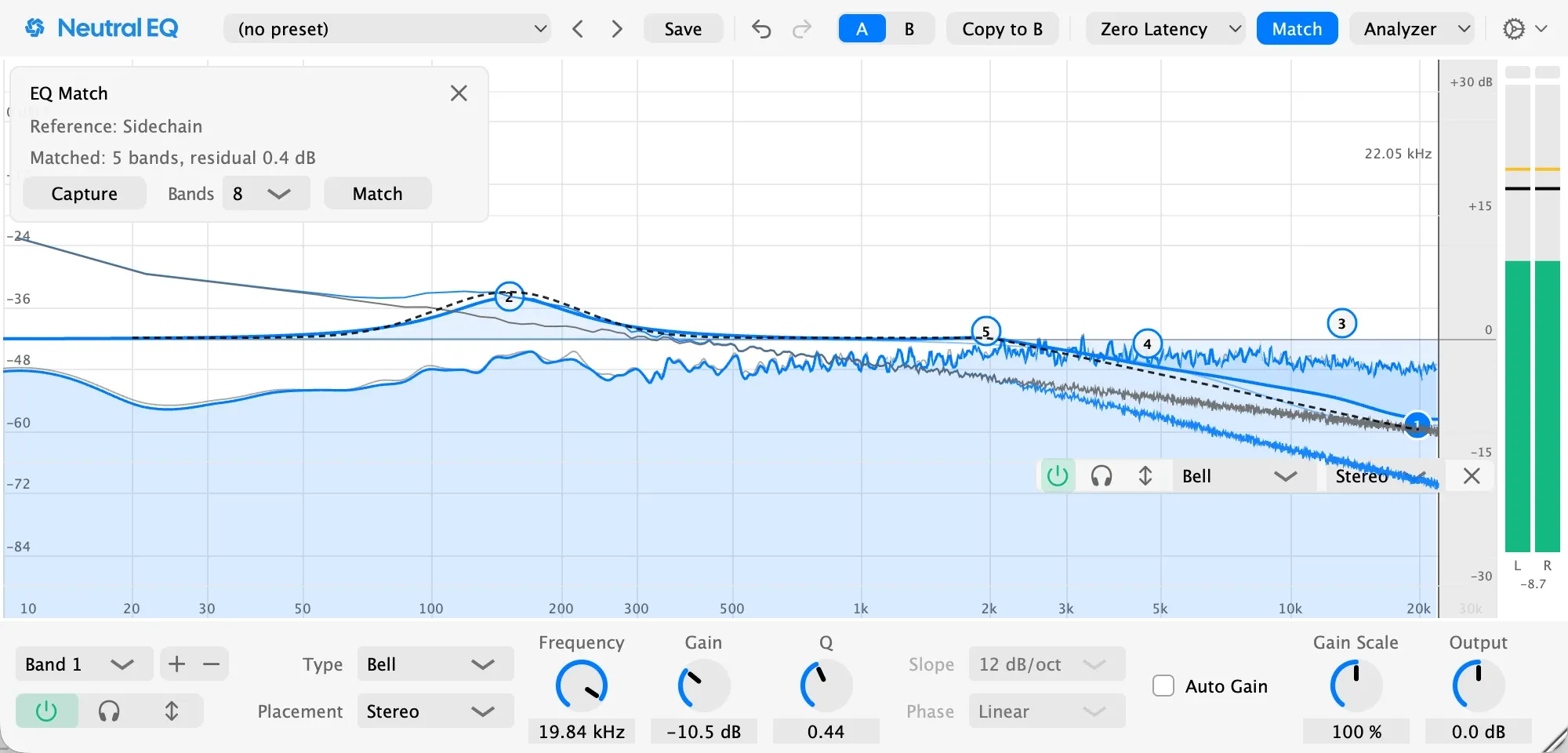
- Route the reference track into Neutral EQ’s sidechain input.
- Open Match and press Capture while both tracks play. Capture a representative stretch, not a moment.
- Choose how many Bands to use and press Match. The EQ replaces its bands with bells that close the gap, as one undo step.
A full match is usually too much. Set Gain Scale to 50 percent and listen.