Presets
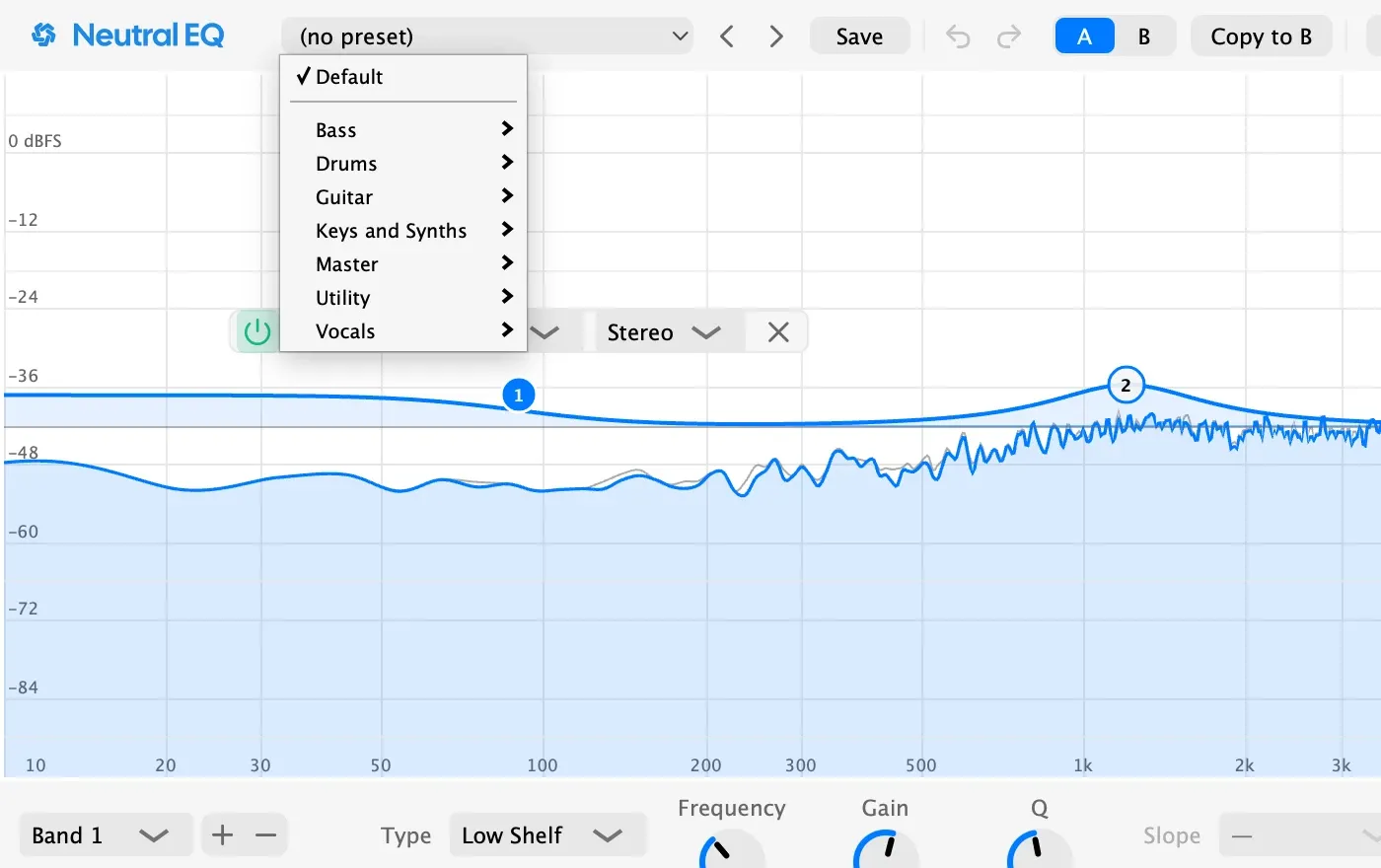
The preset menu holds Default, the factory presets in folders, and your own. Each factory preset shows one move, named for the source and the job. A preset is a starting point: its frequency is right for one kick or one lead, and you tune it to yours in the next few seconds, with Note Names or the Piano Roll on. A preset marked Tamer is a dynamic band that acts only when its problem appears.
- Utility: Low Cut 40, 80, and 120, High Cut 16k, Tilt Bright, Tilt Dark, and Low End Mono.
- Vocals: Vocal Presence, Vocal Air, Vocal De-Mud, De-Esser, and Resonance Tamer.
- Drums: Kick Punch, Kick Sub, Kick Click, Snare Body, Snare Ring Tamer, Cymbals Air, and Hi-Hat Tamer.
- Bass: Bass Clean-Up, Bass Sub Focus, Bass Note Definition, and Bass Kick Pocket, a dynamic cut keyed from the sidechain: route the kick to the EQ’s sidechain input and the bass ducks only where the kick sits and only while it hits.
- Guitar: Acoustic Body and Air, and Electric Fizz Tamer.
- Keys and Synths: Piano Clarity, Pad Tamer, Lead Clean-Up, Lead Presence, and Pluck Presence.
- Master: Gentle Lift, Low End Control, Harshness Tamer, and Side Air.
A preset carries the sound, not the display: loading one leaves the analyzer, the window size, and the other A/B slot as they are. Save writes a standard .vstpreset, so your DAW’s own preset browser sees it too.