Dynamic bands
Any bell or shelf can move on its own, only when the sound calls for it.
- Select the band and turn on Dynamic. A second row of controls opens above the strip.
- Set a Range. A negative range pulls the band down as the sound rises; a positive range pushes it up.
- Leave Auto Threshold on, and the band moves only on what rises above its usual level. Turn it off to set the threshold in dB yourself.
- Set Attack and Release for how fast the band moves, or leave Auto Release on.
| Control | What it does |
|---|---|
| Range | How far the band may move, and in which direction. |
| Threshold | The level where movement starts. Greyed out while Auto Threshold sets it. |
| Attack, Release | How fast the band moves down and comes back. |
| Auto Release | Lets go quickly after a short burst (100 ms) and slowly after a sustained push (500 ms), so the band neither pumps on a held note nor lags on a hit. |
| Sidechain | Listens to another track through the plugin’s sidechain input, so a kick can duck a bass band only where the kick sits. |
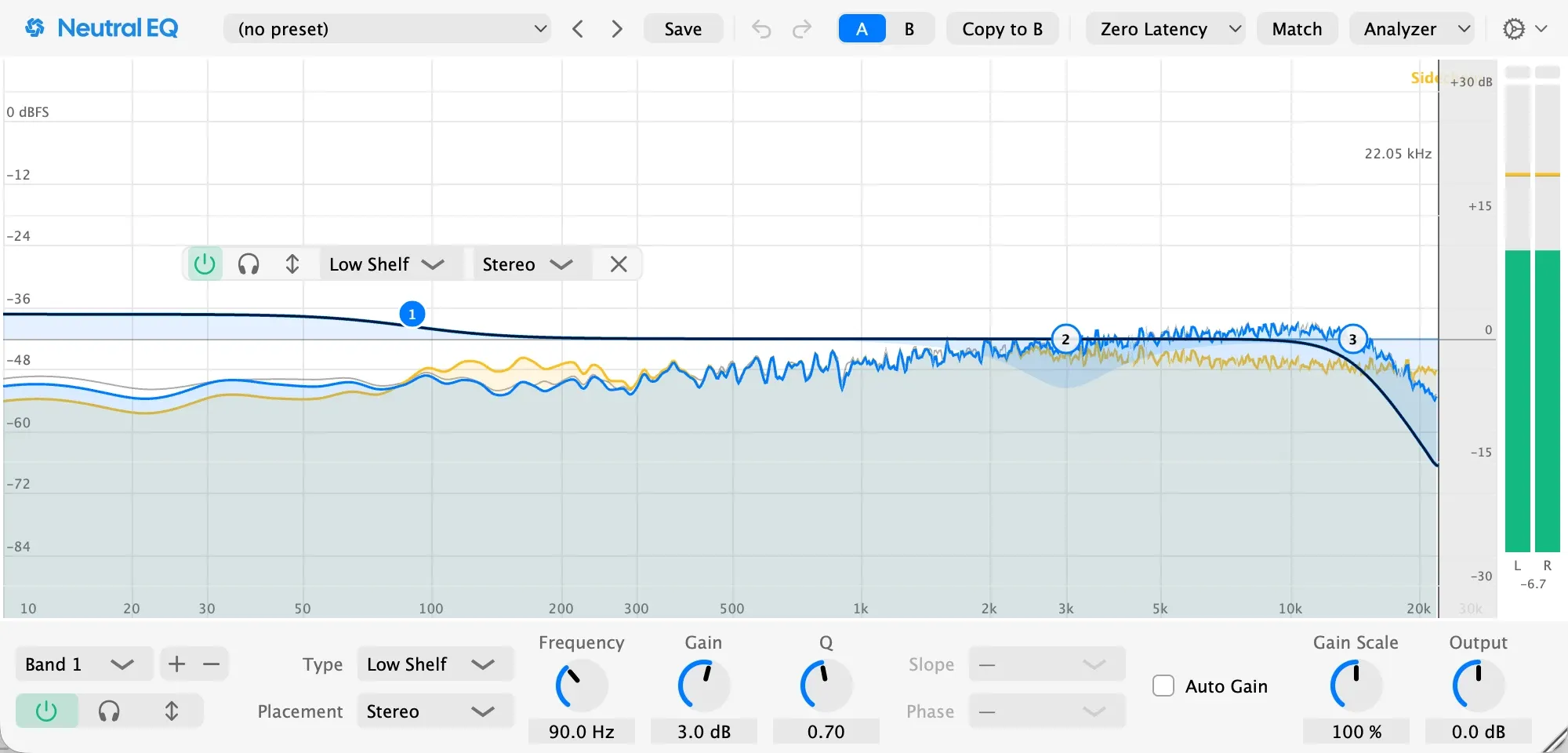
The band listens to its own region, the same one you hear with Solo. The display tints how far the band can reach and draws the moving curve inside it. With Dynamic off, the band is an ordinary band again, so you can compare with one click.